


What cam-to-cam actually means on LivCam
Most people arrive on a live webcam platform expecting a one-way experience: you watch, the model performs. Cam-to-cam flips that dynamic. When you activate the feature inside a private show, the model can see your face in real time, which transforms a broadcast into an actual conversation. That shift from spectator to participant is the whole point, and it changes the quality of the interaction far more than you might expect.
LivCam is a live adult webcam platform operated by a Cyprus-based company. It offers free access to shows across a wide range of categories including women, men, couples, and trans performers. Tokens are the platform's currency and are needed for private shows, tipping, and premium features like cam-to-cam. You can browse without registering, but to activate your own camera you do need a verified account.
Setting up cam-to-cam: a practical walkthrough
Getting started takes about five minutes if you have not used the platform before. The first step is creating your free account with a username, password, and email. Once you are signed in, buy a token package using a credit or debit card. Check the tokens page for current pricing before committing, because packages and rates can change.

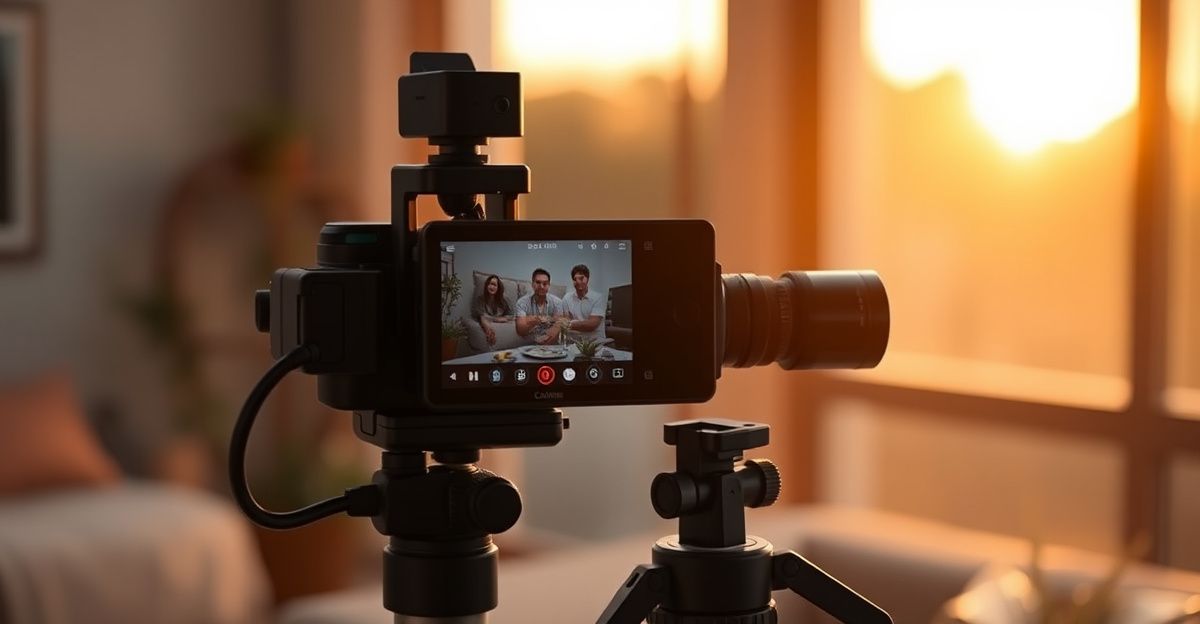
Next, find a model whose room interests you by browsing the site's recommendation system, which surfaces performers based on your activity. Open their room, click 'Private Show', and the cam-to-cam button will appear in the show controls once the private session is live. Your browser will immediately ask for camera and microphone permissions. Grant both. On Chrome the prompt sits in the address bar; on Safari it appears as a dialogue. If you accidentally dismiss it, go to your browser's site settings and re-enable camera access for livcam.co.uk.
Hardware matters more than most guides admit. Position your camera at eye level rather than looking up from a laptop on your desk. Place a lamp or window in front of you, not behind you, so your face is clearly lit rather than a dark silhouette. These two steps take less than thirty seconds and make the experience noticeably better for the model you are interacting with, which in turn makes them more responsive and engaged with you.
Making the interaction feel authentic
There is a pattern worth noticing once you have had a few cam-to-cam sessions. The conversations that feel genuinely warm are almost never the ones where you do all the talking. A rainy Tuesday in Edinburgh comes to mind, three years into a personal journey of roughly 40 first dates that had led nowhere meaningful. The pattern was obvious in hindsight: too much self-sharing, not enough curiosity about the other person. Practising one concrete step changed everything: ask a genuine follow-up question before steering the topic back to yourself. Within a month, the quality of those conversations shifted completely. The same principle applies here. Ask the model about something you noticed in their room setup, their mood, their show. Real connection grows from curiosity, and that is as true on a live platform as it is anywhere else.
Confidence in cam-to-cam also builds with practice. Your first session will feel slightly awkward because you are aware of your own face in the corner of the screen. After two or three sessions that self-consciousness fades and you start focusing on the exchange itself. That is the growth you are working toward, and it happens faster than you think.
Technical issues and how to handle them
Occasional technical glitches during live shows are one of the known issues on the platform. If your camera feed freezes or the private show drops unexpectedly, refresh the page first. Most connection problems resolve with a single reload. If the show ends due to a technical malfunction, LivCam's refund policy does allow for claims in cases of provably unsatisfactory private shows, though tips and spying sessions are non-refundable. Contact support through the site's report form if you need to raise a token issue.
On mobile, the experience runs through the browser rather than a dedicated app. The site is mobile-friendly, so cam-to-cam works on both Android and iOS as long as you grant the browser permission to access your device's front camera. For the smoothest experience on mobile, use a stable Wi-Fi connection rather than cellular data, and keep your screen brightness up so your face is visible. You can read more about the full mobile experience on the mobile guide.
Staying safe and respecting the platform's rules
LivCam requires all users to be at least 18 years old, and the platform operates under clear content moderation guidelines. Models undergo identity verification with a government-issued ID before they can go live, which gives you confidence that you are interacting with real, verified adults. If you encounter anything that seems out of place during a show, the report button near the live broadcast window is the quickest way to flag it.
From a privacy standpoint, cam-to-cam shares your video feed only with the model in the private show. Your camera is not visible to other users in public rooms. That boundary is worth understanding before you start, especially if you are new to the format. You are always in control of when your camera is on: closing the cam-to-cam panel stops your feed immediately. Explore the full range of private show options to understand what each show type offers before spending tokens.
Comments
No comments yet.
Leave a comment
Your email will not be shown. Comments are reviewed before they appear.