


Getting Back Into Your Account in a Few Steps
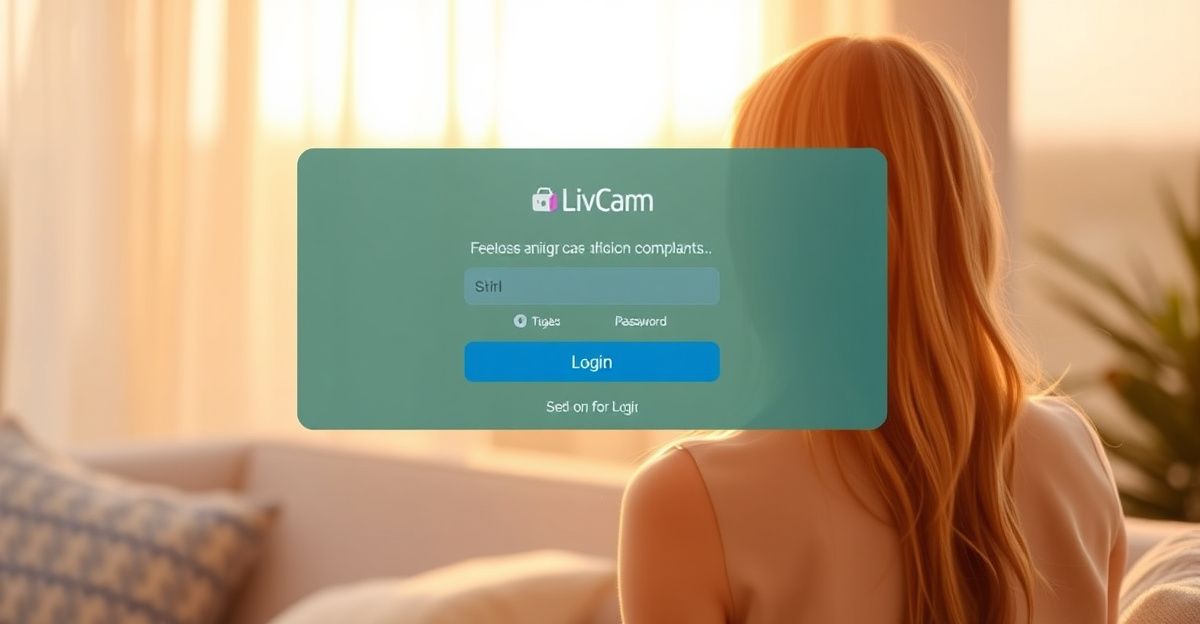
Finding the login page for the first time can feel surprisingly tricky when search results pull up slightly different versions of a platform. The good news is that the process on LivCam is genuinely simple once you know where to look. Head to the homepage, locate the login button at the top right, enter your email and password, and you are in. No complicated two-step flows or hidden menus.

Before you even type a single character, it is worth making sure your browser is up to date. Outdated browsers sometimes struggle to render the login form correctly, which causes confusion that has nothing to do with your account. Chrome, Firefox, and Safari on their latest versions all work reliably with the platform. If you are on a phone, the site is mobile-friendly, so a dedicated app is not required - your browser handles everything cleanly.
Take a look at the LivCam account page if you want a full overview of your profile settings and token balance once you are inside. It is a useful starting point for personalizing your experience.
What to Do When Your Password Does Not Work
Password problems are the number one reason people struggle with login. The fix is usually one of three things: a typo, caps lock being on, or simply forgetting which email you used when you signed up. Try these steps before anything else:
- Turn off caps lock and retype your password carefully.
- Try the email address you use most frequently, then any secondary addresses.
- Click the Forgot Password link on the login form.
- Check your inbox (and spam folder) for the reset email.
- Follow the link in the email and create a new password that is at least eight characters long.
If the reset email does not arrive within a few minutes, check your spam or promotions folder. Email providers sometimes flag messages from platforms they have not seen before. If it still does not appear, try the process again from a different browser tab to rule out a caching issue.
Clearing Cache and Switching Browsers
Cached data is a quiet troublemaker. Your browser stores pieces of websites to load them faster, but old cached files can conflict with updates to the login page. Clearing your cache takes about thirty seconds and often resolves persistent login errors immediately.
In Chrome, press Ctrl + Shift + Delete (or Cmd + Shift + Delete on Mac), select Cached images and files, and click Clear data. Reload the LivCam login page and try again. If that does not work, open a private or incognito window. Incognito mode ignores saved cookies and extensions, so if you can log in there, an extension or cookie is likely the culprit in your main browser.
Switching browsers entirely is the fastest diagnostic tool available to you. If logging in works in Firefox but not in Chrome, you now know the problem lives in Chrome's settings rather than in your account. That insight saves a lot of frustration.
No Account Yet? Here Is How Registration Works
Creating an account on LivCam is free and takes under two minutes. You need a username, a password, and a working email address - that is it for basic browsing and chatting. Visit the LivCam signup page and fill in the short form. You will receive a confirmation email, and once verified, your account is active.
One thing worth knowing before you register: the platform operates under a strict 18-plus policy. All users must be at least 18 years old, or the age of majority in their jurisdiction if that is higher. Models go through additional identity verification using a government-issued ID and a selfie holding that ID, which is a meaningful safety measure that sets a higher bar than many platforms in this space.
If you want a full walk-through of the onboarding process, the LivCam registration guide covers every field in detail.
Exploring the Platform Before You Interact
Back in August, a reader reached out asking where to find live video experiences that felt genuine rather than overwhelming. My first suggestion was to spend fifteen minutes on LivCam exploring the interface before committing to any interaction at all. Familiarity reduces anxiety in a very real way. When you know where the controls live, which categories interest you, and how the recommendation system surfaces content, your confidence in navigating the space rises naturally. Think of it like scouting a venue before a first date - you arrive calmer, more yourself, and focused on authentic connection rather than fumbling with the layout.
You can browse live shows without being logged in, which makes that kind of low-pressure exploration genuinely accessible. Categories include women, men, couples, and trans performers, and the recommendation system learns your preferences over time once you have an active account. Private shows, cam-to-cam interactions, and tipping all require tokens, which you purchase using a credit or debit card. If you want to understand more about using the platform on your phone, the LivCam mobile guide covers the browser experience in detail.
Staying Secure on the Platform
Account security is worth a moment of attention. Use a password that is unique to LivCam - one you do not use on any other site. Password managers make this easy and remove the memory burden entirely. If you ever suspect someone else has accessed your account, change your password immediately through the account settings and contact support through the official site.
LivCam is operated by a Cyprus-based company and is accessible to UK users under current regulations. The platform has content moderation and reporting tools built in, including report buttons near live broadcasts and a dedicated Report Form. These are not cosmetic features - they reflect a genuine commitment to user safety in a space where trust matters a great deal for authentic connection.
Comments
No comments yet.
Leave a comment
Your email will not be shown. Comments are reviewed before they appear.